Create Your Surf Listing
Create Your Surf Listing
Waverii makes it easy to connect with surfers looking for exactly what you offer—whether you’re a guide, instructor, host, or selling or renting boards. Just follow these simple steps to list your service, showcase your vibe, and start getting booked.
Step 1: Log In
Sign in with Facebook, Google, or email.
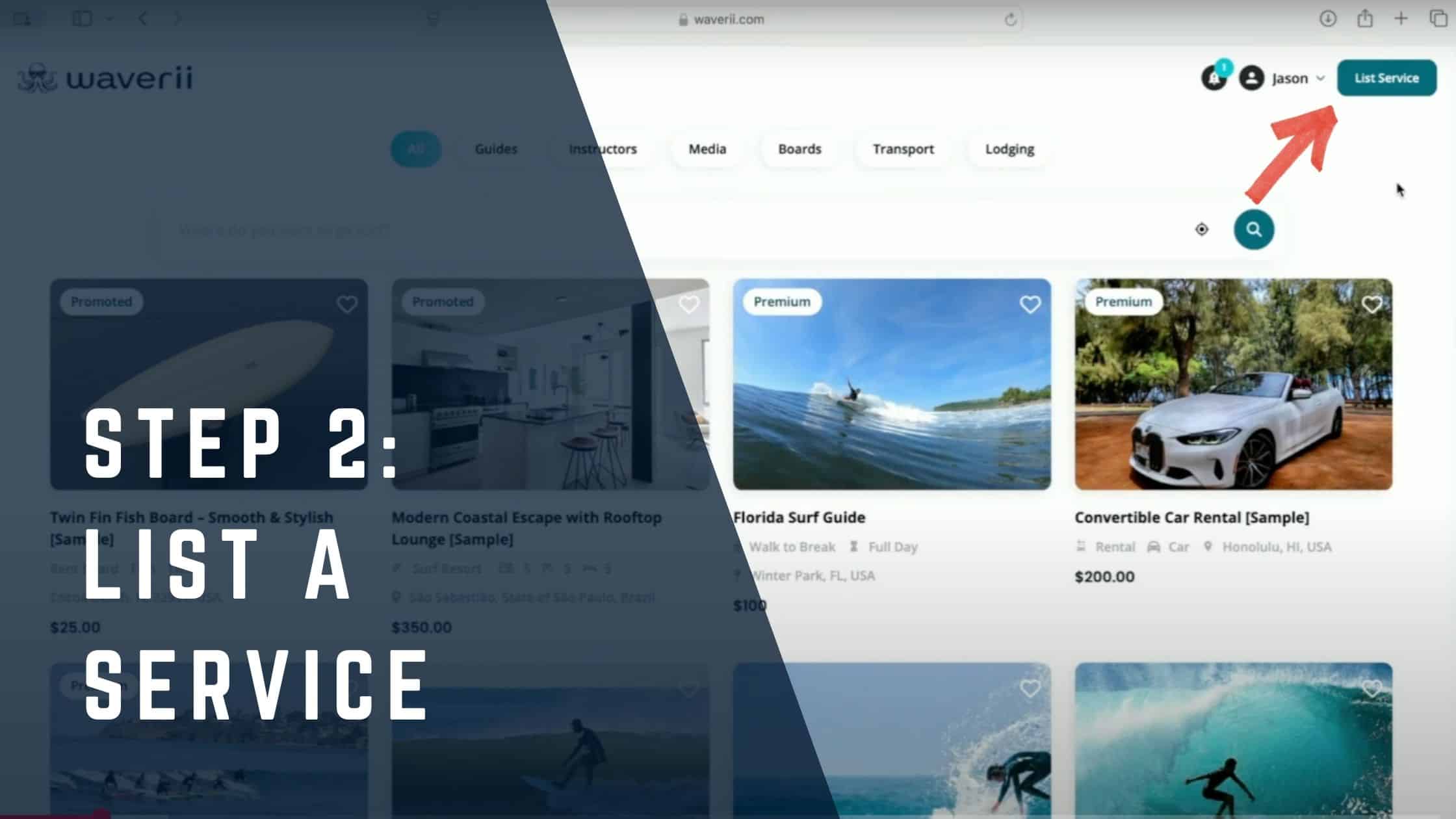
Step 2: List a Service
Click “List a Service” in the top-right corner. If you’re in Surfer Mode, switch to Business Mode using the dropdown menu.
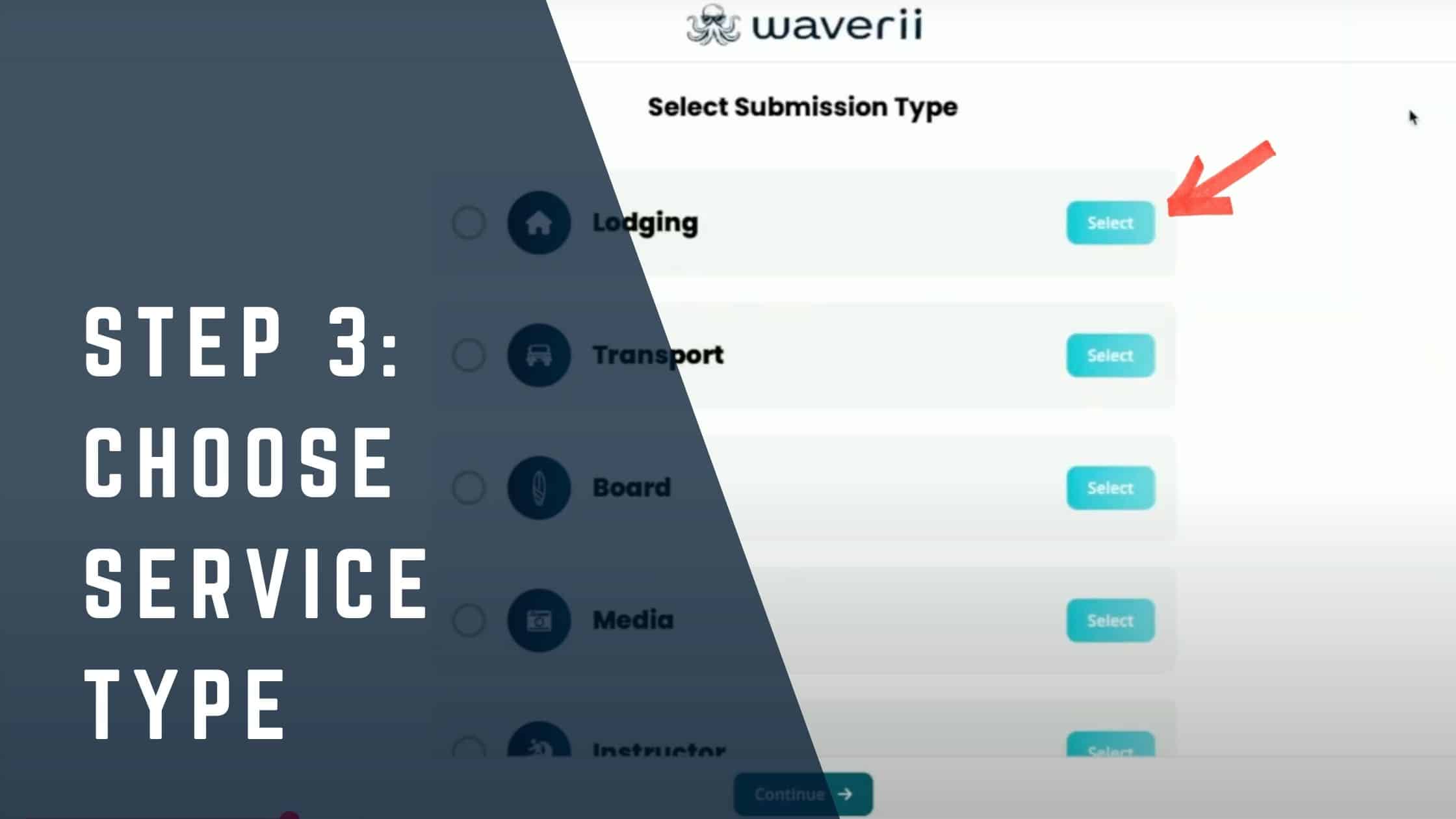
Step 3: Choose a Service Type
Select the surf-related service you’re offering. Each service type comes with tailored fields to match your offering.
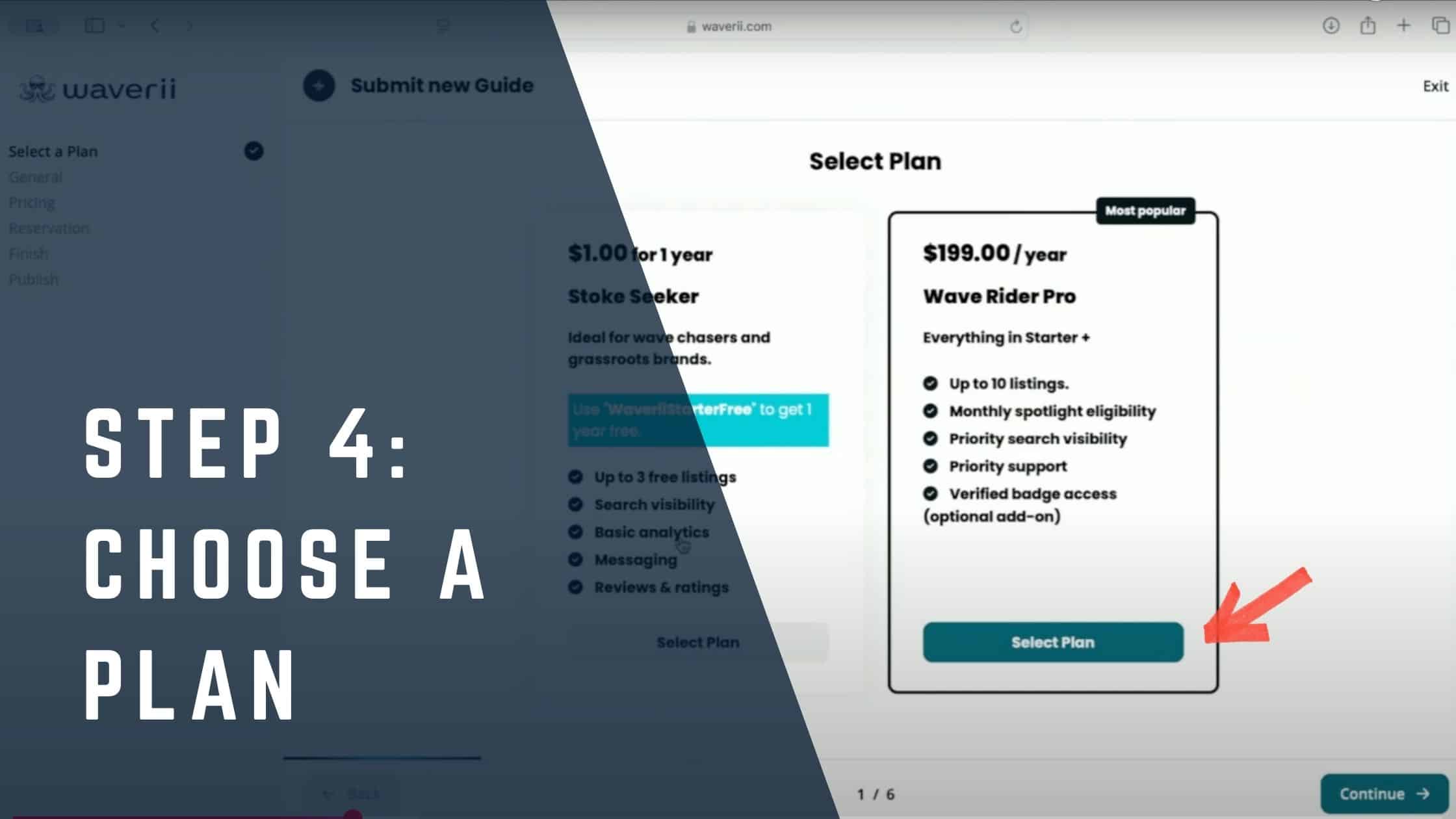
Step 4: Choose a Plan
Pick the plan that fits your goals:
- Stoke Seeker – Includes 3 one-time listings. Perfect for getting started.
- Wave Rider Pro –Up to 10 non-reusable listings with priority placement and promo perks.
Step 5: Add Listing Info
Explain what you offer and why you’re worth booking. Just fill in the parts that apply—each listing is customized for a specific surf service. Double-check that all your information is correct, especially your location.

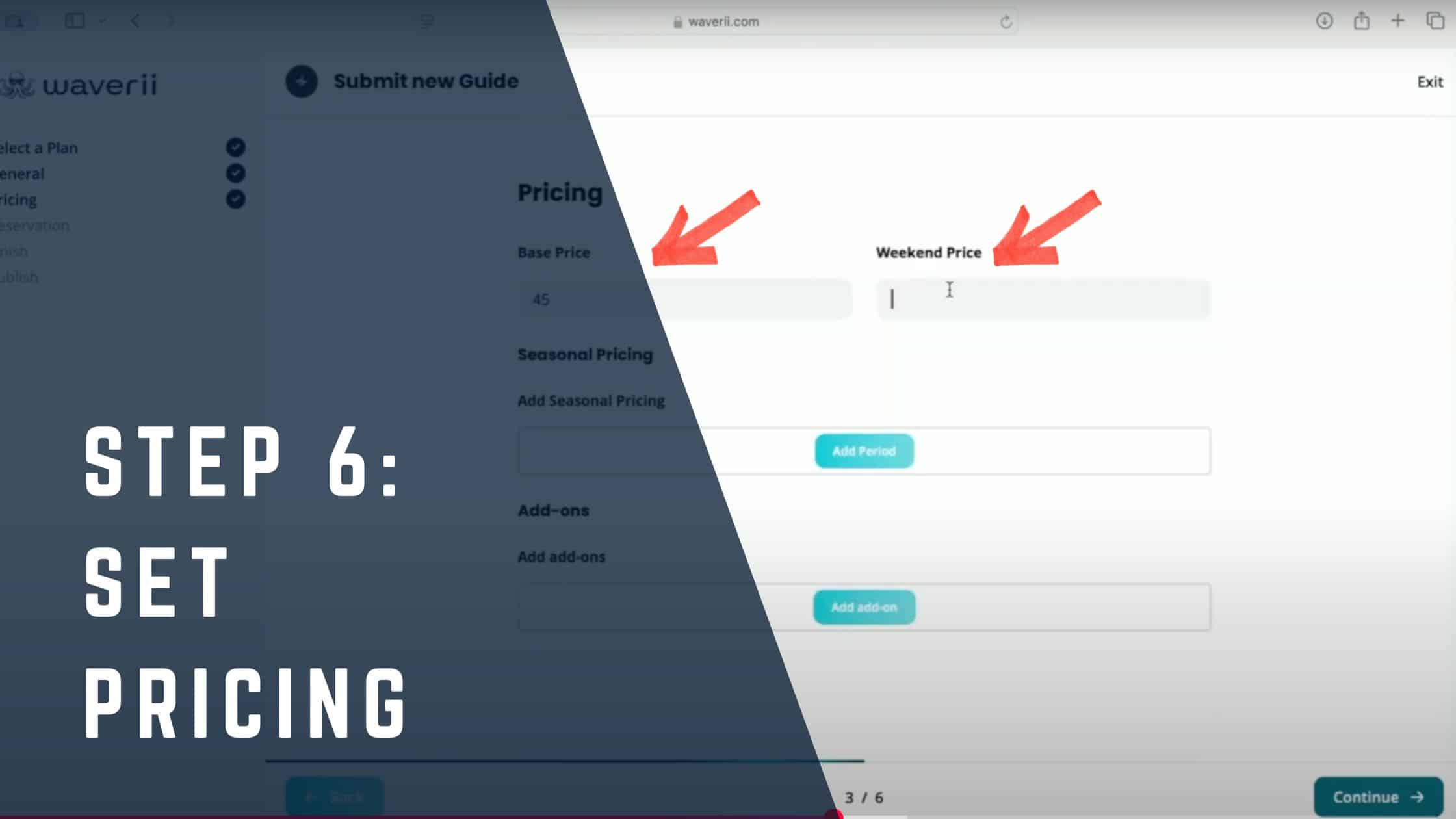
Step 6: Set Pricing
Set your base rates, optionally adjust for seasonal pricing, and manage your availability calendar—don’t worry, you can update it later.
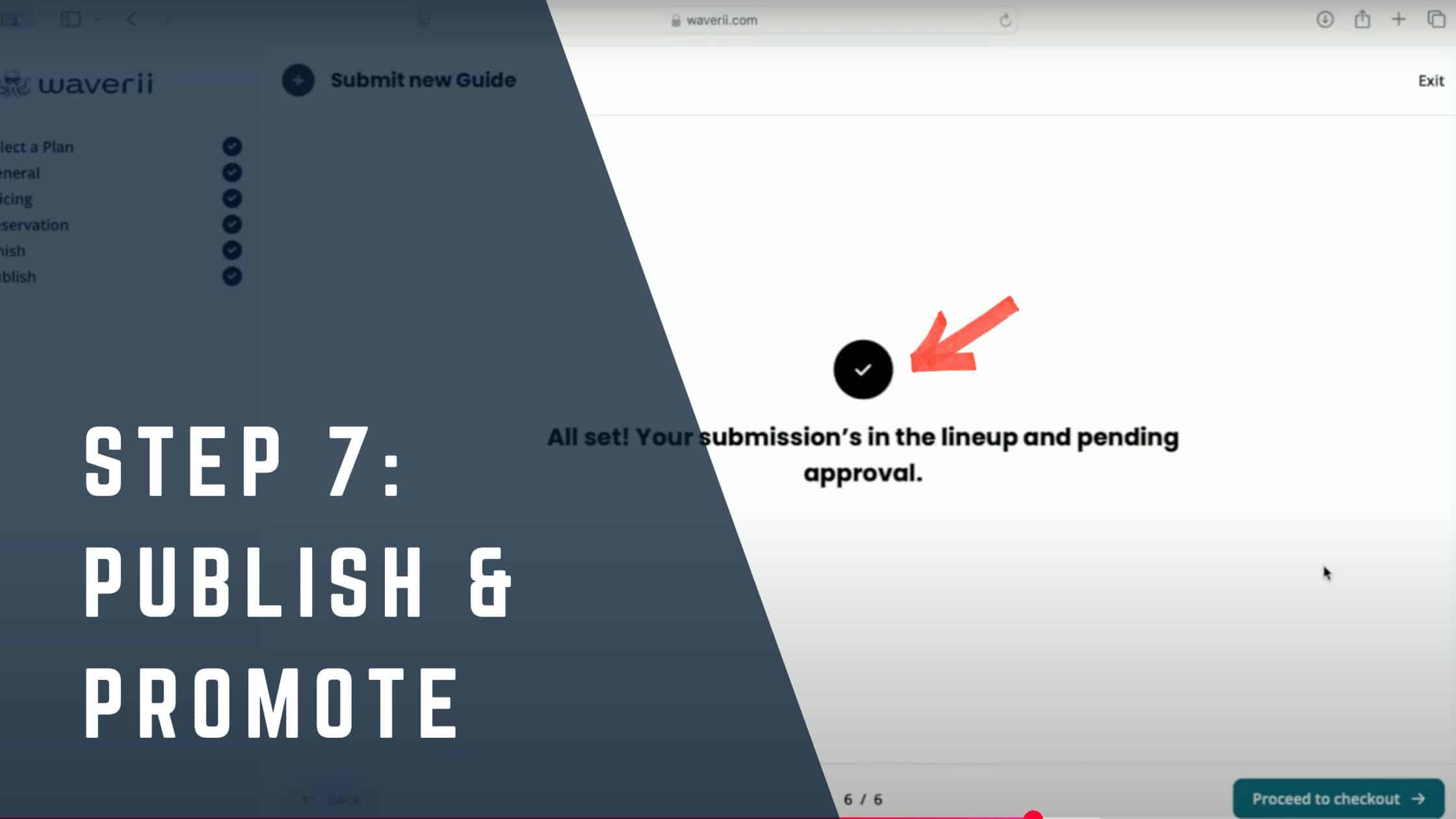
Step 7: Publish & Promote
Review your listing, submit it for approval, and start promoting it through social media, your bio link, or a QR code.
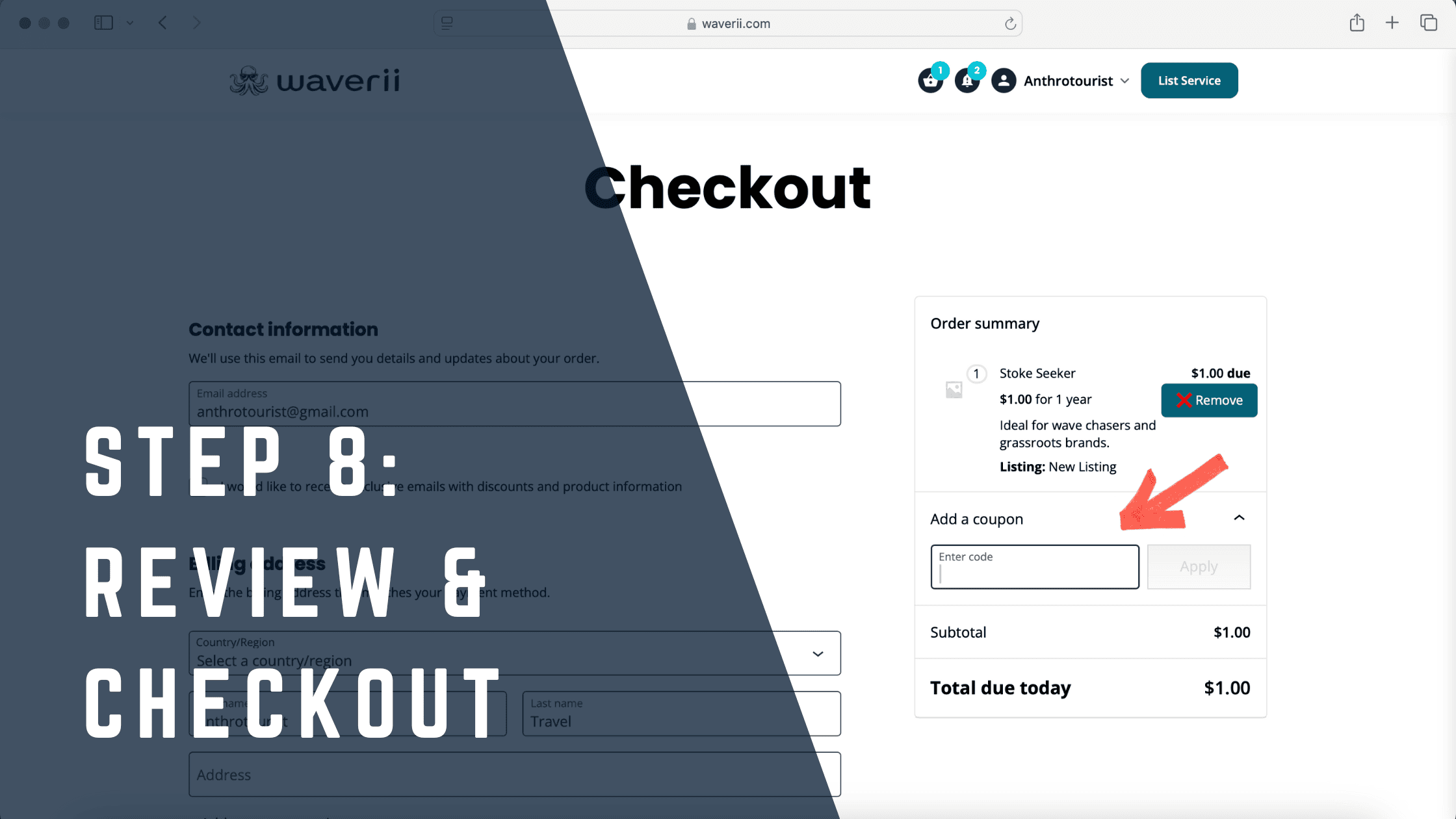
Step 8: Checkout (For 1st Pro Listing)
Double-check that all your information is correct, then enter your payment details. This will activate your Wave Rider Pro plan, start your annual subscription, and unlock all associated benefits.